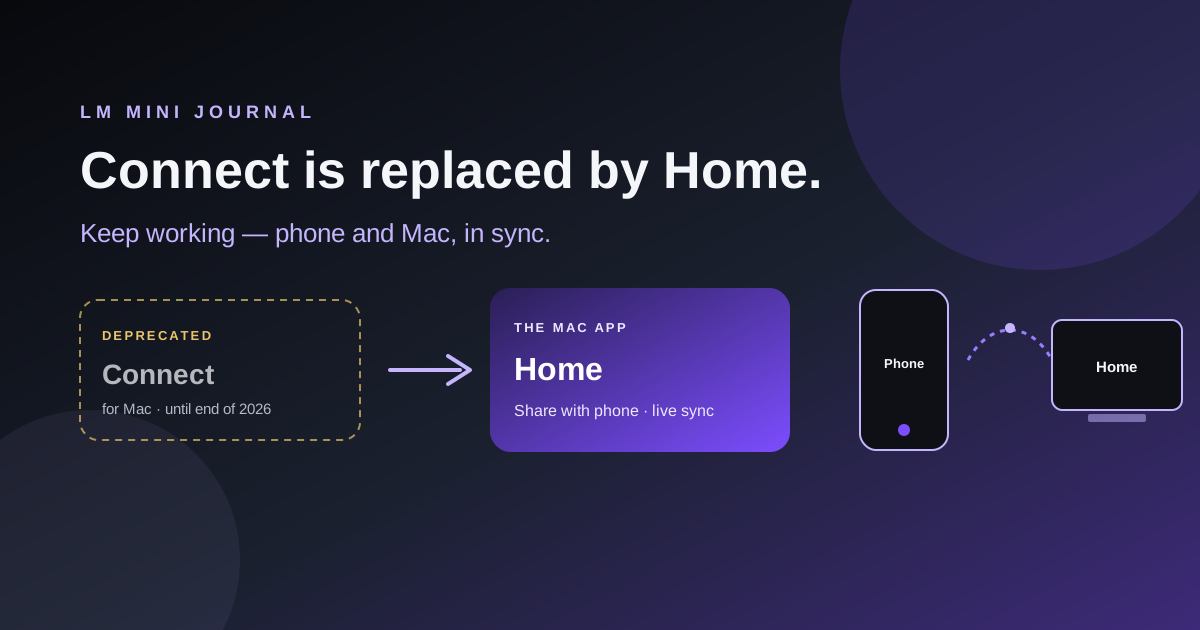
Connect for Mac is deprecated. Home is the Mac app.
This is not a jump scare. Your Mac Connect install does not brick on Tuesday. It is a sunset with a date on it.
Why Home exists
The point is not a prettier installer.
You start a chat on the phone. You sit down at the Mac. The thread is there. You keep going. Folders, history, the same room — realtime sync between phone and Mac, so the work does not live on one screen.
That is the reason Home is the Mac app. Remote access is part of it. Sync is the reason you actually open it every day.
Connect for Mac got us remote QR pairing. Home is that, plus the rest of LM Mini on the desk, plus the sync loop so you are not copy-pasting your own life between devices.
What to install
- iPhone / iPad — App Store
- Android — Google Play
- Mac — LM Mini Home (primary download). Open Share with phone to pair. Mac App Store build is there too if you prefer.
- Windows / Linux — LM Mini Connect until a full desktop app ships there.
If you only remember one URL: lmmini.com/download.
What “deprecated” means here
Only Connect for Mac. Not Home. Not the phone apps. Not Connect on Windows or Linux.
Deprecated means: no new Mac Connect features. We will not put Mac Connect in the hero. We will keep those Mac downloads available through 31 December 2026 so people who already paired are not stranded. After that, Home is the path.
Connect for Mac is replaced by Home. Same Mac. Share with phone in the menu bar. Your chats can stay in sync. LM Studio and Ollama can still sit on that Mac. One icon, not two apps arguing about who owns the QR code.
Why retire Mac Connect
Connect existed because we needed a small box next to LM Studio so the phone could reach home. On Mac, Home now is that box — plus the actual LM Mini desktop, plus phone ↔ Mac sync.
Two Mac apps that both show a QR is how support mail starts with “which one do I install.” Fair.
Windows and Linux still need Connect. There is no Home there yet. Those installers stay on the Connect page as the real download.
If you already run Connect on a Mac
You can keep using it through the end of 2026. When you are ready:
- Download LM Mini Home.
- Open Share with phone.
- On the phone: Settings → Remote Access → scan the new QR.
- Then you can remove Connect for Mac.
Same privacy story. Same “talk to the Mac from anywhere” idea. Now with a real Mac app and sync.
Same-Wi‑Fi LM Studio / Ollama never needed Connect. Point the phone at your computer on the local network and chat. That guide is still here.
The bottom line
Phones from the stores. Mac from Home. Connect for Mac until the end of 2026, then Home only. Connect on Windows and Linux until we ship desktop there.
Install Home when you can — especially if you bounce between phone and Mac and want the thread to follow you. No rush this calendar year if Mac Connect still does the job.