On-device
Chat offline with GGUF or MLX models on your phone or Mac. No PC required.
Browse models → Find your phone →Chat with local AI from your phone
LM Mini connects your phone to Ollama and LM Studio at home — or runs GGUF/MLX on-device. Private local AI for iPhone, Android, and Mac. Brand: LM Mini.
LM Mini is a private AI chat app for iPhone, Android, and Mac. It runs GGUF and MLX models on your device, connects to LM Studio or Ollama on your Wi‑Fi, and on Mac uses LM Mini Home → Share with phone so your desk GPU is reachable from anywhere.
Pick the path that matches how you already run AI — then get the app.
Chat offline with GGUF or MLX models on your phone or Mac. No PC required.
Browse models → Find your phone →Use the big model on your home GPU through LM Studio or Ollama — with a phone UI that does not fight you.
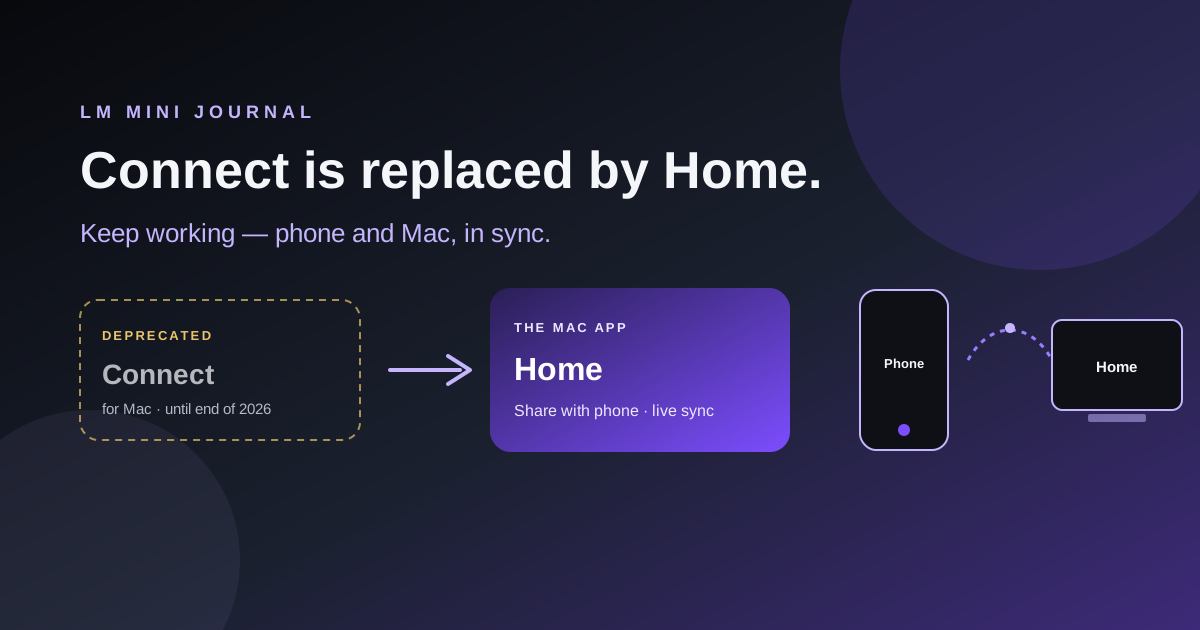
Wi‑Fi setup →On Mac, pair once with LM Mini Home → Share with phone. Encrypted relay — no port forwarding or VPN. Windows and Linux use Connect.
Remote / Connect →Local AI first — Personas, group chat, voice, tools, and image gen when you need them.
Away from home
On Mac, download LM Mini Home, open Share with phone, scan once. Windows and Linux use LM Mini Connect. Same-Wi‑Fi LM Studio and Ollama never needed a companion app.
Plain-language notes from Sultan Haider — product, local AI, and why we ship the way we do.
Short answers before you install — more detail lives in the docs.
Yes. Download free on the App Store and Google Play. Pro is optional for remote access, App Lock, higher group limits, and some premium tools.
Not to chat once the model is downloaded. Same for Ollama. You need the internet to download models, and a path to your PC if you want that model on your phone away from home. Full post.
No. You can chat fully on-device. LM Studio and Ollama are for when you want bigger models on a home PC.
Local and on-device chats stay on your devices. Remote Share with phone uses an encryption key from QR pairing that only you control.
Deprecated — it keeps working through the end of 2026. Use LM Mini Home. Windows and Linux Connect stay on the Connect page.
LM Mini
iPhone, iPad, Android, and Mac — on-device or connected to the PC you already trust.